Trying mailbagit
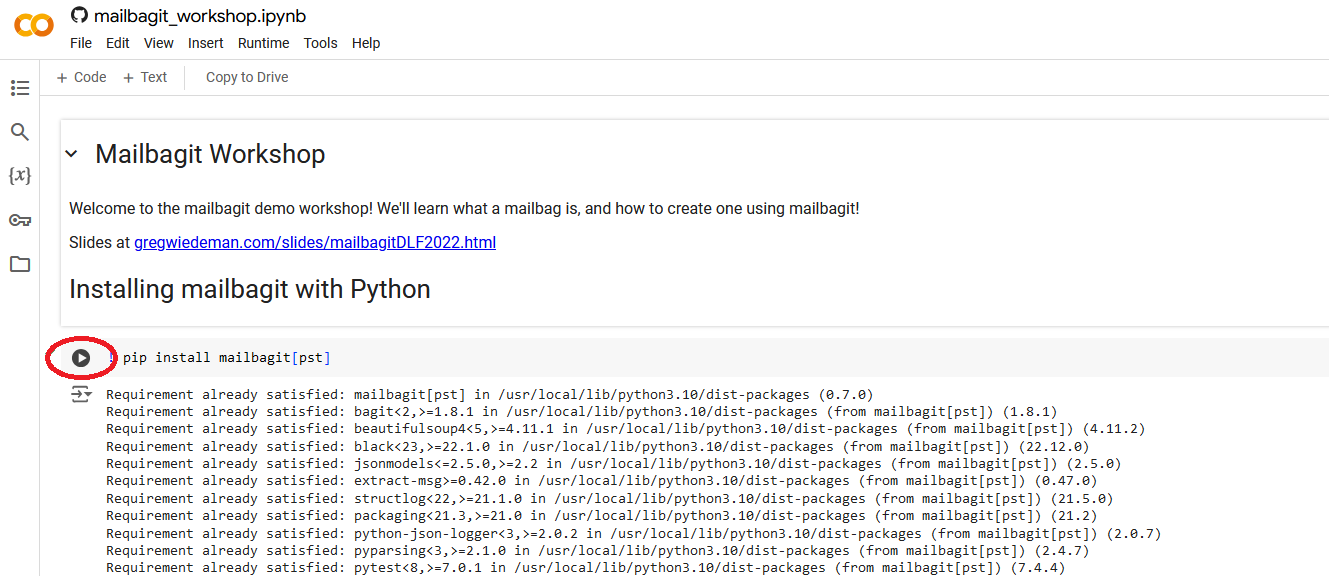
You can try out mailbagit step-by-step using a Jupyter Notebook in Google Colab.
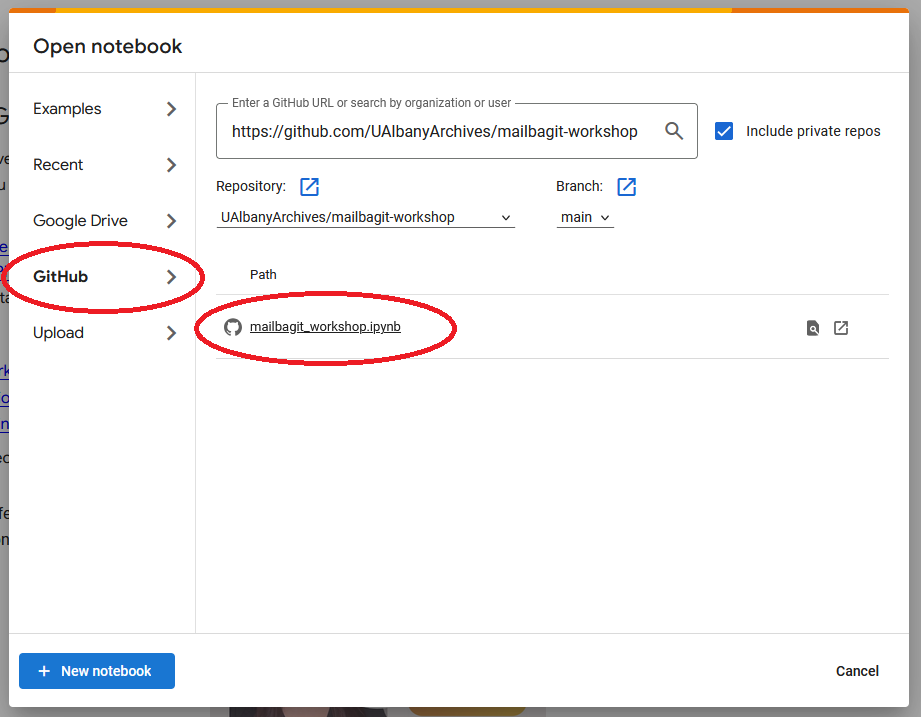
- Go to colab.research.google.com
- Load from Github tab
- Enter the Github URL: https://github.com/UAlbanyArchives/mailbagit-workshop
- Select the “mailbagit_workshop.ipynb” notebook
This runs on a folder in your Google Drive, so you can also try adding your own email export files next to the sample data.